
An Invoice Rejected for a Missing PO Number Needs a Routing Fix, Not Another Generic Reminder
When a customer's AP team rejects an invoice for a missing purchase-order number, confirm the buyer's rule, correct the record, and reset the payment clock in writing.
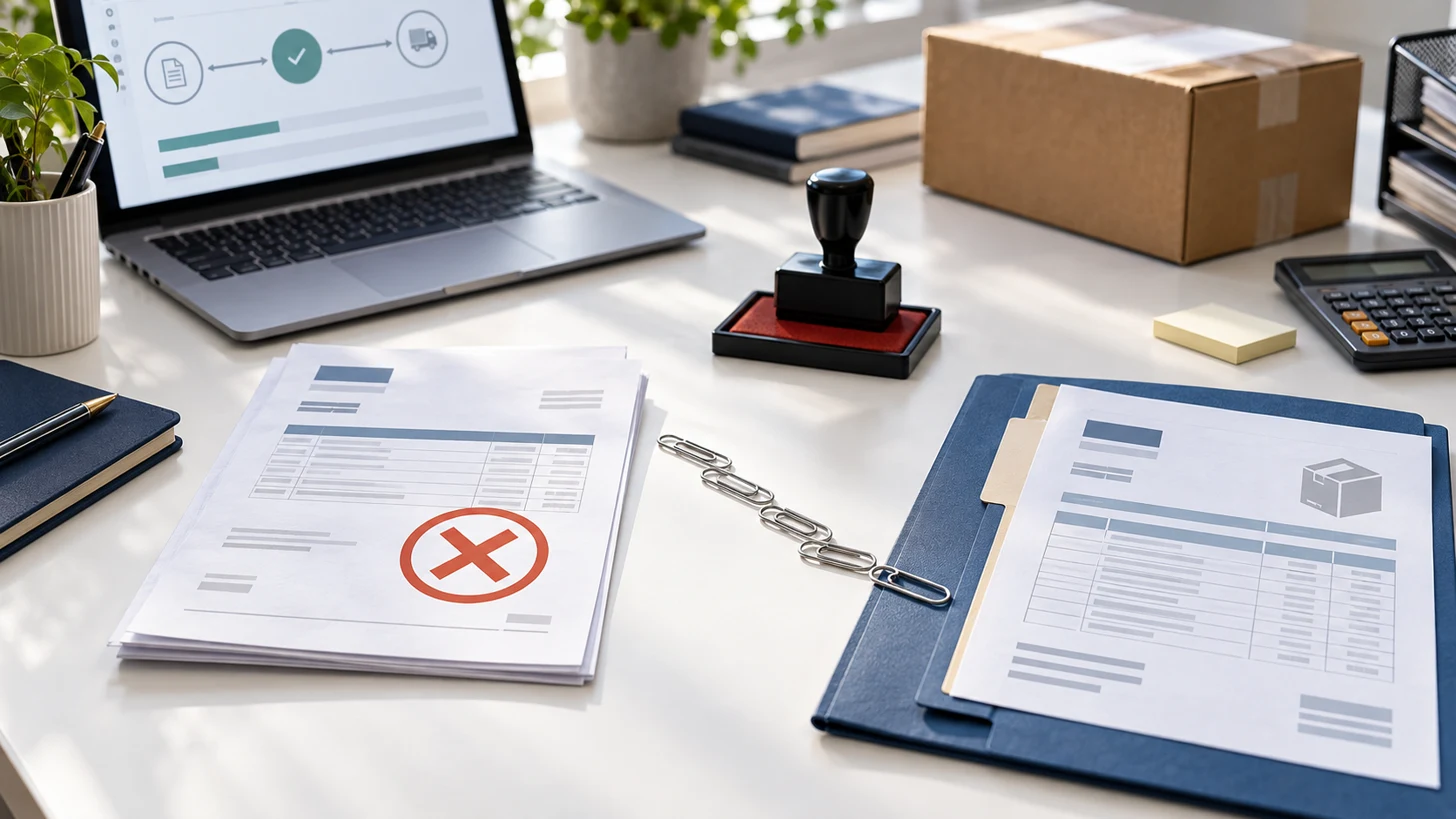
A missing PO number is an invoice-control problem before it becomes a collections problem.
If a customer rejects an invoice because the purchase-order number is missing, ask for the exact rejection reason and the valid PO or buyer reference before resubmitting. Match it to the quote, contract, delivery, and customer entity; correct the invoice without erasing the original; send it through the required portal or AP address; and ask the customer to confirm receipt plus the new approval and payment dates.
The Late Invoice Collection Kit is the paid next step when the corrected invoice still needs an owner, escalation cadence, and relationship-safe collection messages.
Run the five-row rejection check
| Row | What to verify | Decision |
|---|---|---|
| Rejection | Portal or email reason, date, invoice number, entity, and AP contact. | Missing PO, invalid PO, closed PO, value mismatch, or routing error? |
| Authorization | Quote, contract, buyer request, approver, delivery, acceptance, and change orders. | Was the work validly ordered and by whom? |
| PO match | Number, customer entity, supplier entity, line items, amount, currency, and remaining PO value. | Can this invoice use the PO without misstatement? |
| Correction | Original invoice, version, correction note, attachments, and issue date treatment. | What changes while the audit trail stays intact? |
| Payment clock | Receipt confirmation, approval owner, terms, exception, expected approval, and payment run. | What date now controls the next follow-up? |
Thomson Reuters' current e-invoice error guidance notes that invoices may be rejected when reference or order numbers are missing or incorrect and advises confirming the reason with the customer. Treat the buyer's authenticated portal, supplier guide, contract, and AP contact as the controlling routing instructions.
Choose the lane before editing the invoice
Copyable AP recovery message
Subject: Correcting invoice [number] - PO reference needed
Hi [name], your team rejected invoice [number] for [amount] because [exact reason]. The work was authorized by [name or record] and completed on [date]. Please confirm the valid purchase-order or buyer reference and whether any other field must change. Once confirmed, I will resubmit the corrected version through [portal or address] and retain the original for the audit trail. Please also confirm whether terms restart on receipt and the expected approval or payment-run date.
Sales, AP, and the owner trade reminders while the rejected invoice never re-enters the customer's approval queue.
The team fixes the buyer reference, proves authorization, records resubmission, and follows one dated approval path.
Worked example: approved work, missing buyer reference
A hypothetical service company sends a $6,800 invoice after completing an approved maintenance project. The customer's portal rejects it for a missing PO number. The salesperson has the buyer's written approval but not the purchasing record. The bookkeeper saves the rejection, asks the buyer to connect the approval to the correct PO, verifies the PO entity and remaining value, submits invoice version 2 through the portal, and receives confirmation that terms begin on the resubmission date. The company records that date and the next escalation owner instead of aging the invoice from the rejected submission.
Get the free Emergency Triage Sheet
The first three moves for any business emergency, plus one practical fix in your inbox each week.
No spam. Unsubscribe anytime.
Rejected-invoice checklist
- Save the exact portal or email rejection and timestamp.
- Confirm the invoice, customer entity, amount, and stated error.
- Collect the quote, contract, authorization, delivery, acceptance, and change records.
- Verify the PO number, entity, line, value, and status with the buyer.
- Use the buyer's documented exception path when no valid PO exists.
- Preserve the original invoice and label the corrected version clearly.
- Resubmit through the required channel and save receipt proof.
- Ask when approval and payment terms now start.
- Assign one owner and follow-up date.
Related receivables controls
Use the client short-pay recovery workflow when the customer pays less than billed, the late-invoice follow-up sequence when the buyer accepts the invoice but payment stalls, and the late-invoice collection guide when a valid accepted invoice remains unpaid.
FAQ: should the invoice date change?
Do not guess. Contract terms, tax rules, accounting controls, customer policy, and the reason for correction can affect the answer. Preserve both versions and ask your bookkeeper or accountant how the corrected invoice should be dated in your records.
Free version vs. full kit
This free version gives you the rejection table, four recovery lanes, AP message, example, and checklist. The full kit adds escalation timing, call and email scripts, promise tracking, dispute routing, and relationship-safe collection controls after the invoice is accepted.
Run the follow-up system with the Late Invoice Collection Kit
The All-Access membership is the broader option when collections is one of several active operating problems.
Fix the next one before it starts.
Join the list for the free Emergency Triage Sheet and a new practical fix every week.
No spam. Unsubscribe anytime.