
Failed Payments Are a Recovery System, Not a Receipt Error
A failed payment recovery playbook helps subscription and service businesses recover declined cards, ACH returns, and involuntary churn with cleaner dunning.
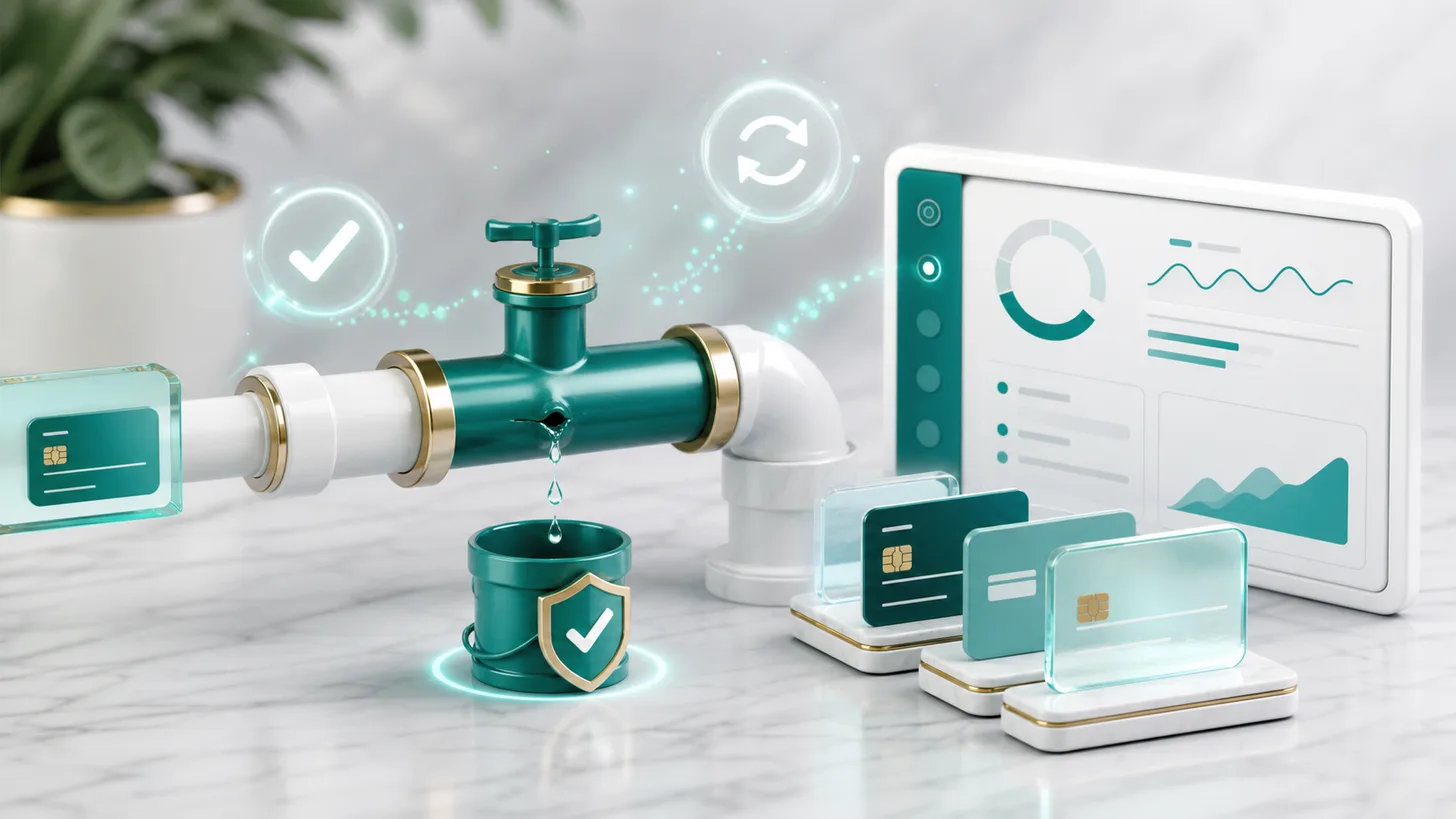
A failed payment is easiest to recover when retries, customer messages, service rules, and win-back timing already work together.
Failed payment recovery means retrying the charge intelligently, sending helpful dunning messages, giving the customer a direct update link, and defining when access pauses. The direct answer is to treat a failed payment as a customer-service workflow, not a generic decline notice.
Businesses lose recurring revenue when processor emails are the whole process. A card may be expired, reissued, temporarily over limit, or blocked by an issuer. ACH may return days later with a reason code. Each case needs a visible rule, not a shrug.
The Failed Payment Dunning Recovery Kit gives you the email sequence, retry worksheet, ACH return notes, service-pause scripts, and recovery tracker.
A wall of card_declined and expired_card codes is not churn. It is a broken pipe: customers who wanted to keep paying you. This playbook fixes it in four layers: prevention, silent retries, a polite dunning sequence, and win-back.
Involuntary churn: the churn you did not earn
There are two kinds of subscription churn. Voluntary churn is a decision: the customer cancels. Involuntary churn is an accident: the payment fails, nobody fixes it in time, and the subscription lapses. The share varies widely by business, so pull your own number: failed-then-lapsed subscriptions divided by total lapsed subscriptions over the trailing 90 days. That ratio is your recovery opportunity.
Why payments fail when the customer fully intends to pay:
| Failure reason | What is usually behind it | Recoverability |
|---|---|---|
| Expired card | Card reissued; subscription still on the old number. | Usually high. The customer just needs to update. |
| Insufficient funds | Timing between payday and billing date. | Often high. Retry on a better day. |
| Generic decline (do_not_honor) | Issuer risk rules or velocity checks. | Mixed. Retries and a fresh authorization can help. |
| Card reported lost or stolen | Card reissued after fraud somewhere else. | Good with an account updater; poor without one. |
| ACH returned (R01, R02, and others) | Insufficient funds, closed account, or revoked authorization. | Mixed. Usually needs a human touch. |
| Stale billing details | Address or ZIP mismatch after a move. | Usually high. One update fixes it. |
The key mindset shift: a failed payment is a customer-service moment, not a collections moment. Write every message as if you are helping current customers keep something they want, because you are.
What belongs in the dunning system
| Layer | What to set | Why it matters |
|---|---|---|
| Prevention | Card updater, expiring-card notice, and recognizable billing descriptor. | Stops avoidable failures before they happen. |
| Retries | Smart retries or a Day 3, Day 7, Day 14 schedule. | Recovers temporary declines without support work. |
| Messages | Friendly notice, reminder, consequence email, and final notice. | Helps customers fix intent-to-pay failures. |
| Metrics | Failed payment rate, recovery rate, recovery mix, and time to recovery. | Shows which part of the system is leaking. |
Layer 1: Prevention, the payments you never lose
Before any email gets written, flip three switches:
- Turn on your processor's card account updater. Many modern processors participate in card-network updater services that refresh expired or reissued card numbers automatically. It is often the highest-leverage toggle in this playbook. Confirm with your processor whether it is available on your account and whether it carries a fee.
- Send a pre-dunning "card expiring" notice. About a week before you bill a card that expires this month, send one friendly email with an update link. You fix a chunk of failures before they exist.
- Charge on smart days. If you control billing dates, align them with when your customers are likely to have funds. If one customer shows repeated insufficient_funds declines, offer to move their billing date. It feels like service, because it is.
Tighten the front door too: clear confirmations and a recognizable billing descriptor prevent "what is this charge?" disputes. The order confirmation setup that prevents chargebacks pairs directly with this playbook, and the duplicate charge response process handles the accidental double-bill panic before it becomes a dispute.
Layer 2: Retry logic that recovers payments silently
Many failed payments succeed on a later attempt with zero customer contact. Your retry schedule does that work for you.
A reasonable starting schedule for card payments (check it against your processor's retry options and rules):
| Attempt | Timing | Why |
|---|---|---|
| 1 (original) | Billing date | The scheduled charge. |
| 2 | Day 3 | Clears short insufficient-funds windows. |
| 3 | Day 7 | Catches weekly pay cycles. |
| 4 | Day 14 | Catches biweekly pay cycles; the updater has often run by now. |
| Final state | Day 21 to 28 | Pause or cancel per your written policy. |
- Use smart retries if your processor offers them. Machine-timed retries (Stripe's Smart Retries and similar features) try when an approval is more likely. Turn them on and treat the fixed schedule above as your fallback mental model.
- Do not retry hard declines. Stolen card, pickup card, and closed-account responses should not be hammered. Route them straight to the email sequence and confirm your processor's guidance on which codes are retryable.
- Cap retries. Keep total attempts modest and within your processor's limits; endless retries can look like card testing.
- ACH is different. Returned ACH payments come with reason codes and network rules about re-presenting a payment. Verify the representment limits and timing with your processor or bank before you retry, and remember that a returned business payment often deserves a phone call, not just email. The returned ACH payment recovery guide walks through the sequence; if a customer's paper check bounced instead, the bounced check redeposit plan is the parallel play.
The four rules for dunning that works
The customer gets a processor receipt error and no clear service deadline.
The customer gets a branded note, a direct update link, a retry date, and a fair pause policy.
Layer 3: The dunning email sequence
Dunning emails run alongside retries, not instead of them. The sequence below assumes a Day 0 failure and the retry schedule above. Every email needs exactly one call to action: update your payment method at a direct link. No login maze; use your billing portal's magic link if you have one.
Email 1 (Day 0 or 1): the friendly heads-up
Subject: Quick fix needed: your [Product] payment didn't go through
Hi [Name], your [product or service] payment of [$amount] did not process today. This is usually an expired card, a bank timing issue, or a billing detail mismatch. Nothing is interrupted yet. Please update your payment method here: [link]. We will also retry automatically on [date], so if this was temporary you may not need to do anything.
Tone check: zero blame, zero urgency theater. Many customers fix it from this email alone.
Email 2 (Day 4 to 5): the helpful nudge
Subject: Still couldn't process your [Product] payment
Hi [Name],
We tried again and your payment of [$amount] still didn't go through. The most common causes: a replaced card, a new expiration date, or a billing ZIP change.
[Update payment method] (takes about 30 seconds)
Your account is still fully active. We just don't want you to lose access over a card number.
Email 3 (Day 10 to 12): the consequence, stated kindly
Subject: Your [Product] access pauses on [date]
Hi [Name],
We've tried a few times to process your [$amount] payment without luck. To keep your account (and your [data/history/settings]) active, we need a working payment method by [date].
[Update payment method]
If something's up (timing, budget, anything), reply to this email. We'd rather work something out than see you go.
That last line matters. It converts a billing failure into a conversation, and conversations save accounts. If a customer replies promising payment and then misses it, handle it like any missed promised-payment date: one graceful follow-up, then a decision.
Email 4 (Day 18 to 21): final notice
Subject: Final notice: [Product] subscription ends [date]
Hi [Name],
This is the last note we'll send: your subscription ends on [date] unless your payment method is updated.
[Update payment method]
If now's not the right time, no hard feelings. You can restart whenever you're ready, and [what they keep or lose] will be [preserved for X days / removed].
In-app beats inbox. A persistent banner ("Payment issue: update card") catches customers while they are engaged. SMS can work for high-value accounts, but only with consent and within the texting rules that apply to you.
The shorter four-message ladder with the timing matrix lives in the failed payment recovery sequence for subscription businesses.
Get the free Emergency Triage Sheet
The first three moves for any business emergency, plus one practical fix in your inbox each week.
No spam. Unsubscribe anytime.
Layer 4: Win back the customer, not just the payment
Some subscriptions will lapse anyway. Involuntarily churned customers are the warmest win-back audience you have, because they did not choose to leave.
Day 30 to 45 after cancellation:
Subject: We saved your spot
Hi [Name],
Your [Product] subscription ended last month when we couldn't process payment, but your [account/data/settings] is still here. Restart in one click and pick up exactly where you left off: [Restart my subscription]
Day 60 to 90: one more touch, optionally with an incentive such as a free month or a discount on the first month back. Keep incentives out of the dunning sequence itself. You do not want to train active customers that failing a payment earns a discount, but for a lapsed account a restart offer is a clean trade.
For B2B accounts with real invoices behind the subscription, escalate past email. A two-minute phone call often recovers what four emails cannot, and the cadence in the late invoice phone script translates directly. For a customer who wants to stay but cannot pay the arrears at once, a short signed schedule from the payment plan agreement template beats losing them.
Small business example
A hypothetical local maintenance plan bills 180 customers monthly. Ten payments fail after a card reissue wave. Instead of letting processor notices handle it, the owner enables card updater, sets a Day 3 and Day 7 retry, and sends a branded email with one update link. Six customers recover silently, three update their card from the email, and one receives the final pause notice with a restart path. The owner now tracks which layer recovered each payment. Your numbers will differ.
Your recovery metrics: a five-line dashboard
Track these monthly. If you cannot see them, you cannot fix them.
- Failed payment rate: failed charges divided by total charges attempted.
- Recovery rate: failed charges eventually collected divided by failed charges. Know your baseline first, then push it up.
- Recovery mix: share recovered by silent retry, by dunning email, and by human contact. It tells you which layer to invest in.
- Involuntary churn share: subscriptions lapsed from failed payment divided by all lapsed subscriptions.
- Time to recovery: median days from first failure to successful charge.
One honest caveat: recovery rates differ widely by price point, audience, and payment mix. Do not chase someone else's benchmark. Beat your own last quarter.
One-afternoon setup checklist
- Enable card updater or confirm your processor's equivalent setting.
- Turn on smart retries or set fixed retry timing.
- Load four branded dunning messages with one update link, triggered by your payment-failure events.
- Add the in-app payment-issue banner if you have a product interface.
- Set the pre-dunning card-expiry notice about a week before billing.
- Write the service-pause rule, what the customer keeps, and who approves exceptions.
- Create an ACH return path for larger invoice or retainer payments.
- Schedule the Day 30 to 45 win-back email for involuntarily churned accounts.
- Review recovery rate monthly against your own baseline.
Related recurring revenue controls
Use the shorter failed payment recovery sequence for the basic ladder, the missed promised-payment date process before pausing service, returned ACH payment recovery for bank returns, and the duplicate charge customer response for double-bill complaints.
Free version vs. full kit
This article gives you the free version: the dunning layers, the email sequence, the setup checklist, and the metric dashboard. The full Failed Payment Dunning Recovery Kit adds the retry worksheet, ACH return scripts, service-pause rules, win-back scripts, and tracker as fill-in templates.
View the Failed Payment Dunning Recovery Kit
If recurring revenue is one of several systems you are tightening, the All-Access membership covers the full library while you are a member.
Guides in this series
FAQ
What is dunning, exactly?
Dunning is the structured process of communicating with customers about failed or overdue payments. Historically it meant collection letters. In subscription businesses it means the automated email, SMS, or in-app sequence that runs after a card or ACH payment fails, paired with automatic retry logic. Good dunning reads like customer service, not collections.
How many dunning emails should I send before cancelling a subscription?
Three to five over roughly three weeks is a common working pattern, ending with a clear final notice. Fewer can leave recoverable accounts behind; many more with no response is usually pestering a dead address. Pair every email with automatic retries so many customers never need to act at all.
Why do payments fail when the customer has money and wants to pay?
Card reissuance, issuer risk rules, billing-address mismatches after a move, and timing between billing dates and paydays. That is why failed payments are often recoverable: the intent to pay was never the problem.
What is a good failed payment recovery rate?
It varies too much by industry, price point, and card-versus-ACH mix for a single honest number. Measure your current recovery rate first, then treat each layer you add (updater, smart retries, dunning sequence, in-app banner) as an experiment against your own baseline.
Should I offer a discount to customers whose payments failed?
Not during active dunning. A discount can train customers that a failed payment earns a lower price. Save incentives for a later win-back campaign, 30 or more days after the account has actually lapsed, where a restart offer is a clean value exchange rather than a reward for nonpayment.
How is recovering a failed ACH payment different from a failed card payment?
ACH returns come with reason codes (such as R01 for insufficient funds or R02 for a closed account), network rules limit how and when a payment can be re-presented, and returns can arrive days after you thought you were paid. Verify the current rules with your processor or bank. ACH amounts also tend to be larger, so the playbook adds a human step, a call and a direct conversation, on top of automation.
Educational and operational guidance only. No guaranteed outcome. Not legal, tax, or financial advice.
Fix the next one before it starts.
Join the list for the free Emergency Triage Sheet and a new practical fix every week.
No spam. Unsubscribe anytime.