
A Backorder Customer Update Can Save the Sale If It Arrives Before the Frustration
A backorder customer update template helps small businesses explain delays, reset expectations, and protect trust before buyers ask for refunds.
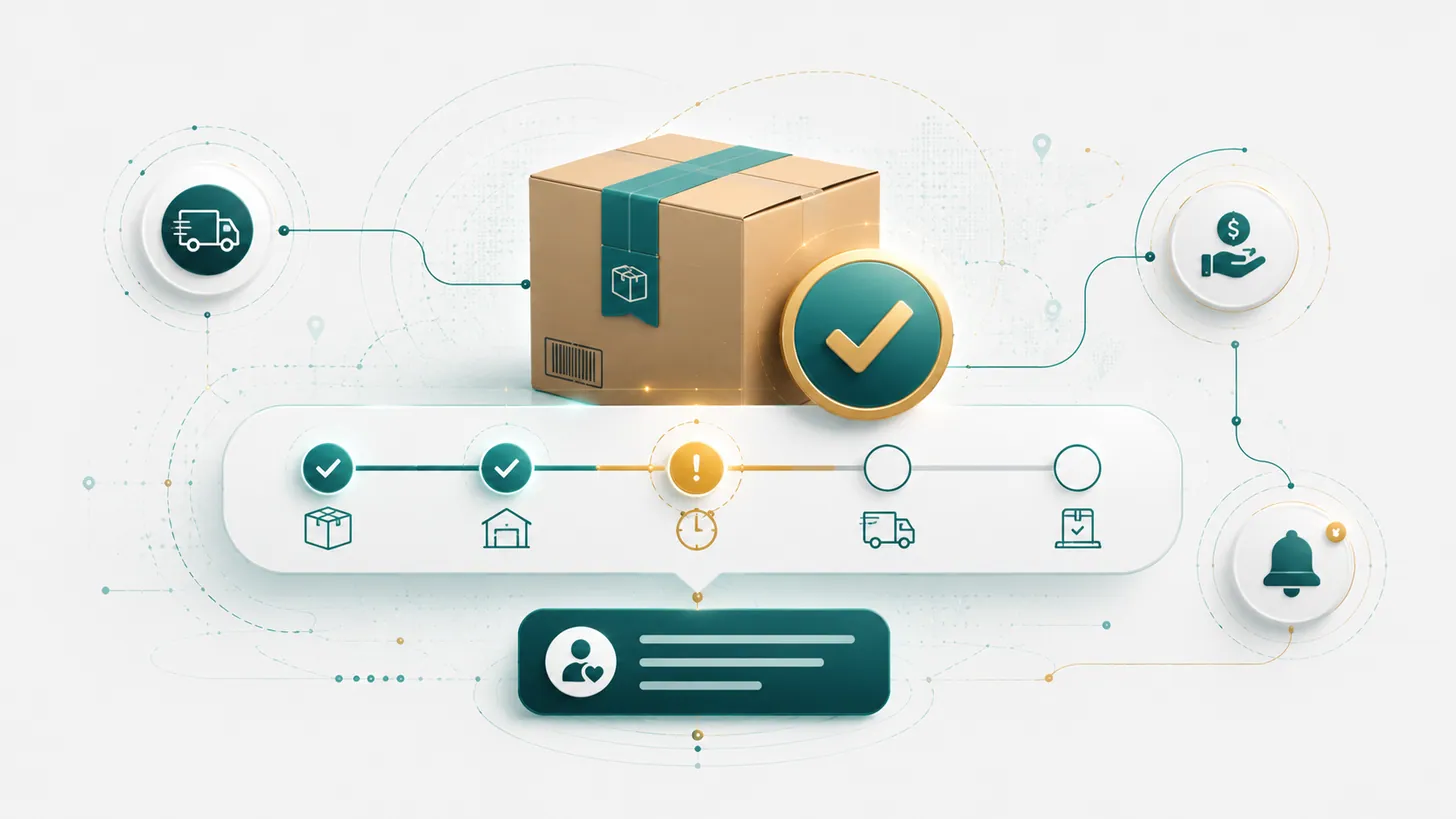
Silence turns a delay into a credibility problem.
A backorder customer update should explain what changed, what the new timeline looks like, and what options the customer has right now. If the business waits until buyers complain, the message becomes damage control instead of trust protection.
Backorders create support load because every team member starts improvising the same answer in different ways. A better workflow gives the business one clean update, one option set, and one follow-up date.
What a useful backorder update includes
Delay message versus save-the-sale message
| Approach | What it sounds like | Likely result |
|---|---|---|
| Weak update | There is a delay and we will update you soon. | Customer uncertainty and extra support contacts. |
| Stronger update | Your order is delayed, here is the current ship window, and here are your options. | Customer feels informed and can choose. |
| Best save-the-sale move | We are sorry for the delay. If the new timeline does not work, we can offer option A, B, or C. | Trust preserved even if the customer changes plan. |
Your order is delayed. We appreciate your patience.
Your order is delayed until [range]. You can wait, swap to [alternative], or contact us for another solution.
A practical customer update template
Hi [Name], we wanted to update you before your order ships. Item [product] is currently backordered, which changes the expected ship date to [date or range]. If that timing still works, no action is needed. If you prefer, we can also [offer alternative, split shipment, or cancel/refund option]. We will send the next update by [date].
Get the free Emergency Triage Sheet
The first three moves for any business emergency, plus one practical fix in your inbox each week.
No spam. Unsubscribe anytime.
Why proactive updates reduce refund risk
Customers usually ask for refunds when they feel trapped, ignored, or unsure what is happening. A good backorder workflow restores agency. It tells them the truth quickly and makes the next decision visible.
Small business example
A specialty retailer learns that one supplier shipment is two weeks behind. Instead of waiting for the support inbox to spike, the business segments affected orders, sends one clean update, and offers three paths: wait for the original item, switch to an in-stock substitute, or cancel before shipment.
Backorder checklist
- Trigger the update when the delay is confirmed, not after the promised ship date passes.
- Use the customer's order detail and revised timeline in the first message.
- Offer realistic options the team can actually fulfill.
- Track who was contacted and what they chose.
- Send the next update on the date you promised.
FAQ: should you offer a discount for a backorder?
Only if it supports the business and fits the situation. Many customers do not need a discount first. They need clarity, choice, and confidence that the company is not hiding the delay.
Free version vs. full kit
This article covers the free version: explain the delay, present options, and set the next update. The full Backorder Delay Customer Save-the-Sale Kit adds email templates, support macros, segmentation guidance, and a tracking workflow for keeping delayed orders from turning into refunds and chargebacks.
View the Backorder Delay Customer Save-the-Sale Kit
Related article: A Better Return Policy Can Reduce Support Tickets Before They Start
Fix the next one before it starts.
Join the list for the free Emergency Triage Sheet and a new practical fix every week.
No spam. Unsubscribe anytime.